Build dashboards from a prompt
Describe the dashboard you need. Firevibe builds it as a real web app: charts, tables and filters on your data, from the services you already use or the app's own database, behind a sign-in.

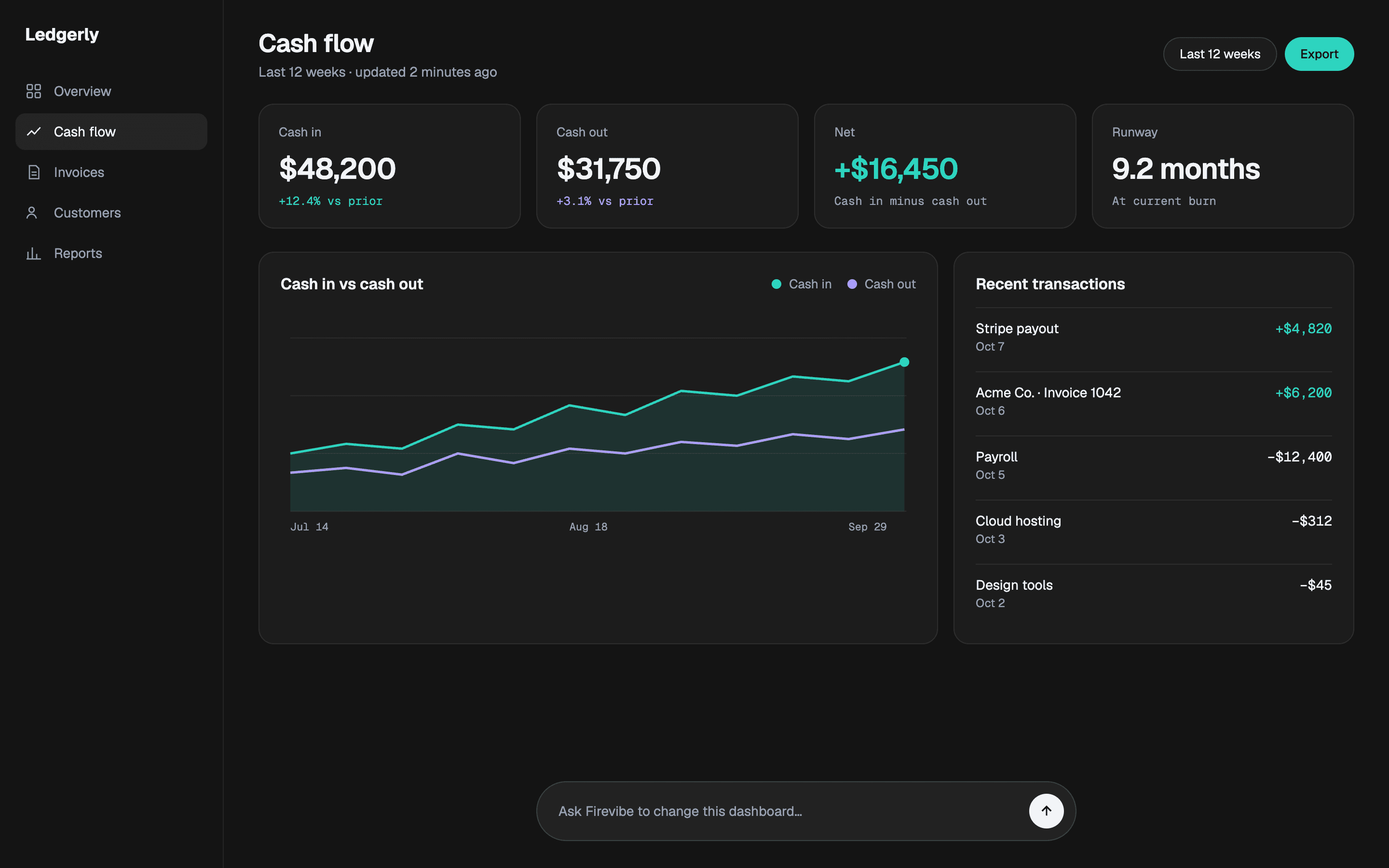
 A cash flow dashboard for my small business

Every number you watch, in one view
Describe the dashboard you need, from cash flow to a sales pipeline. Firevibe builds it on your own data.

Bring your data in
Your payments, tables and CRM, through connectors. The dashboard works from real numbers.

Ask for a view
"Show revenue by customer." "Compare this month with last." A new chart is one sentence away.

Watch what matters
Cash flow, a sales pipeline, stock, support. Build the view your business runs on.
Questions about building dashboards
Yes. Describe the numbers you want to see and where they live, and Firevibe builds a dashboard as a web app, with charts, tables and filters on that data.
From the services you connect, such as Stripe, Shopify, Airtable or HubSpot, each through your own account's key, or from the app's own database, which your team fills in through the app.
No. You describe the dashboard in plain words and Firevibe writes the code and the queries. You change it the same way, by asking in a sentence.
Yes. Ask for it, for example revenue by customer or this month against last, and Firevibe adds it to the dashboard.
It comes with its own sign-in, so only people with an account get in, and you can ask for roles that see different things. On a paid plan you publish it to a firevibe.dev address, and on Pro you can connect a domain you own.
A real web app, with its own server code and database. Paid plans open the code.
Yes. Ask for it, for example a written summary of the week, and Firevibe builds it in. Built-in AI needs no API key of your own and is billed in credits.
Yes. Sign up without a credit card and build with your free credits. Publishing and code access are part of the paid plans, which also allow more collaborators.