For sales teams
Build sales tools with AI
Demos made for each account, ROI calculators and deal dashboards, built from a sentence and changed as fast as the deal moves.

What sales teams build with Firevibe
Account-specific demos
Shape a demo to a buyer's industry, role and workflow.
Ask for their flows, their roles and their data, and the prospect sees their own case in the product.
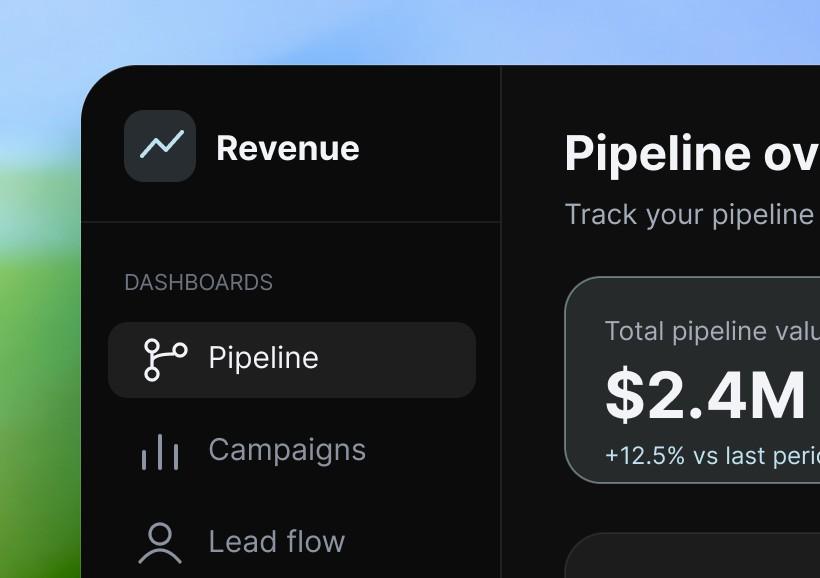
Revenue command center
Dashboards for pipeline, campaigns and lead flow from the services you connect, so the team reads the numbers without a spreadsheet.
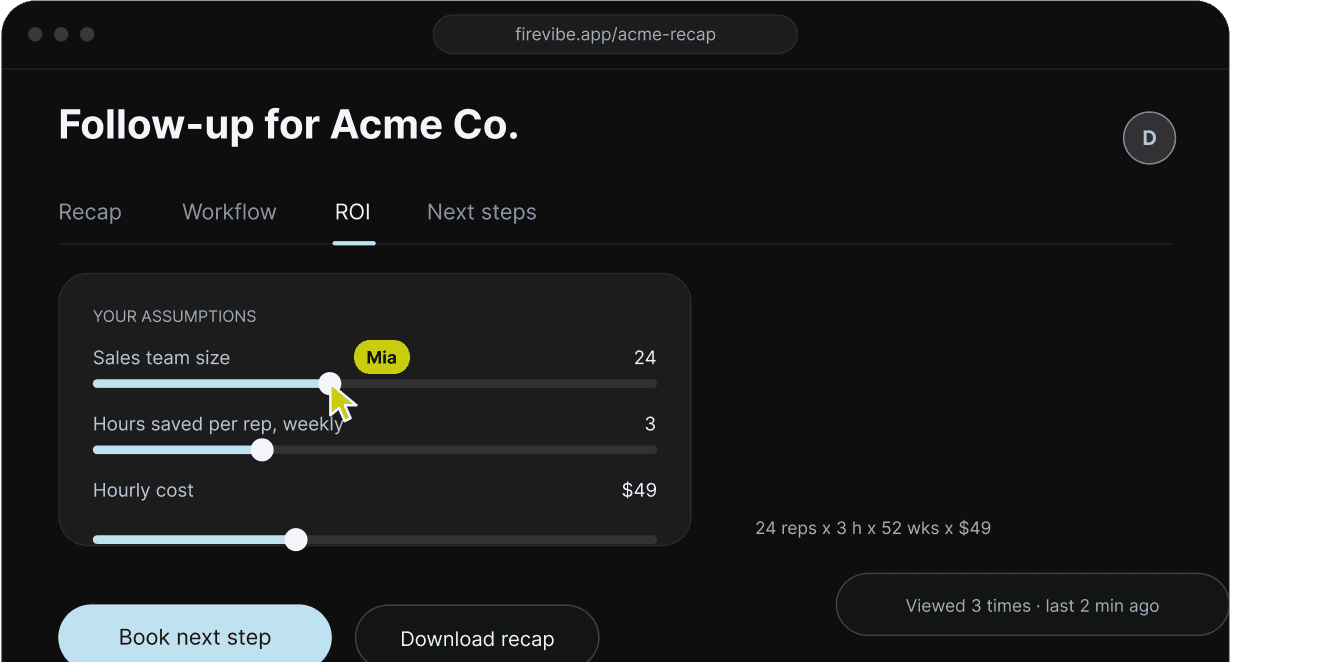
Interactive follow-ups
Send a link the buyer can click through: the recap, their workflow, the ROI with their own numbers, and the next steps.
Deal desk workflows
Discount requests, legal review and custom terms in one approval flow.
The context stays with the deal, and approvals move without anyone chasing a thread.

Customer onboarding
Show a buyer what setup and the first weeks look like for their own use case.

Sales assets that keep up with the deal
The team that sells tailors what a buyer sees and keeps it current, without waiting on anyone.
- SpeedBuild and update a deal's assets as the account changes, without redoing the slides.
- FitDemos, workflows and proof made to one buyer's case, so they can judge the fit sooner.
- Always currentEvery demo, calculator and follow-up changes by asking, as the deal changes.
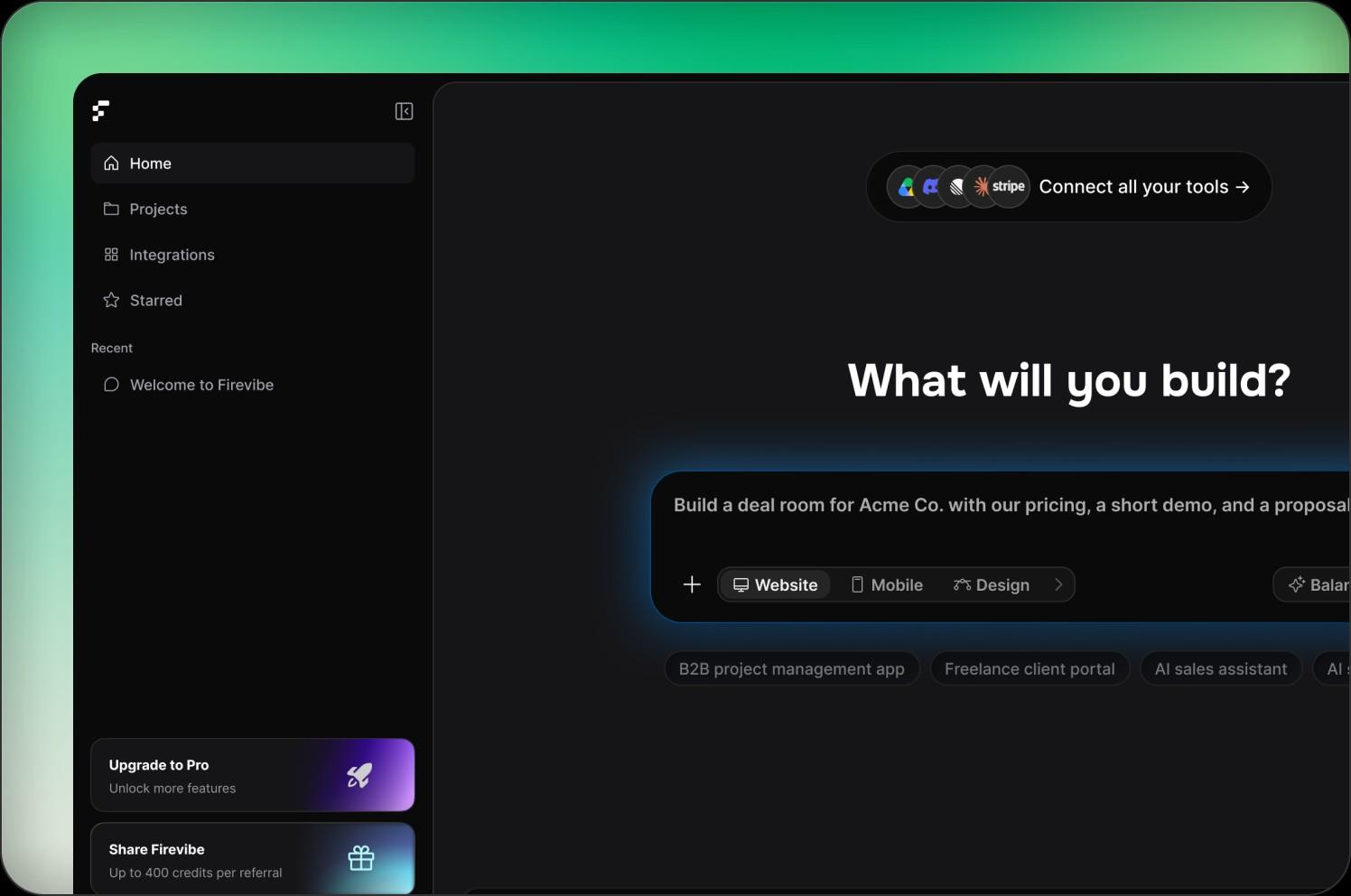
Connect the services your team sells with
- For demosBring in the records a demo needs from the services you connect, such as HubSpot or Airtable.
- For dashboardsPipeline and revenue from Stripe, HubSpot and the app's own database in one view.
- For sales workflowsApprovals that tell the right people in Slack and keep a record of who said yes.





























Questions sales teams ask
Demos shaped to one account, ROI calculators, follow-up pages, deal desk approvals, pipeline dashboards and onboarding previews. Each one is a web app with its own database and sign-in.
No. A rep or a sales engineer describes the tool in plain words and Firevibe writes it. Changes are asked for the same way, in a sentence.
Yes. Ask for their industry, their roles and data shaped like theirs, and Firevibe builds the demo around it. You change it for the next account by asking.
Every build has a live preview with a link you can share. On a paid plan you publish it to a firevibe.dev address, and on Pro to a domain you own.
Through connectors such as HubSpot, Airtable, Notion, Stripe and Slack. Each one uses your own account's key, which you add once.
Every web app comes with its own sign-in, so only people with an account get in. Ask for the roles you need, for example reps who submit and managers who approve, and Firevibe builds them in.
Yes. Paid plans open the full source code: real React and TypeScript.
Yes. Sign up without a credit card and build with your free credits. Publishing and code access are part of the paid plans, which also allow more collaborators.

Build your next deal's demo
Describe the account. Send the buyer something they can use.
Start for free