









For HR teams
Build HR tools with AI
Onboarding, requests and employee hubs, built from one sentence.

What people teams build with Firevibe
Onboarding workflows
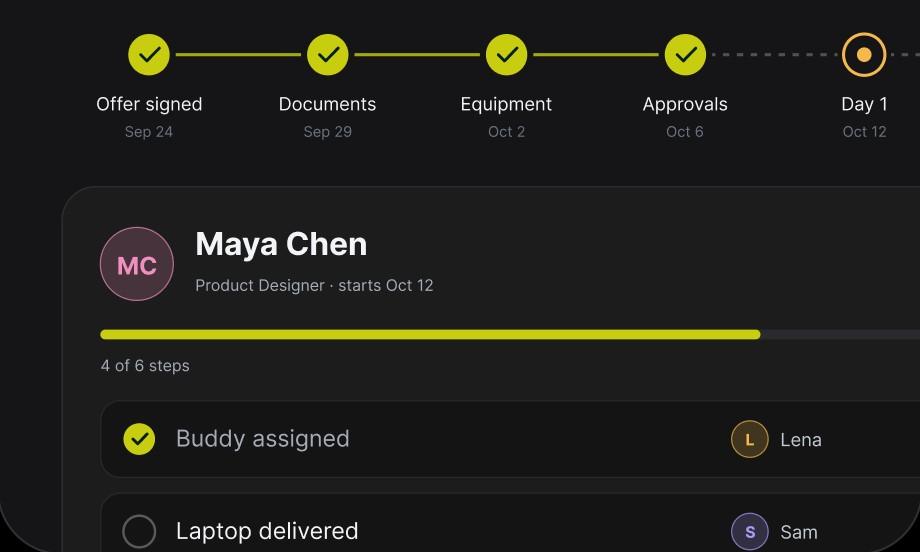
Onboarding as a tracked workflow: owners, required documents, approvals and progress, from the signed offer to the first week.
Approval and form workflows
Leave, title changes and expenses as requests with the right fields, the right reviewers and a status everyone can see.
Employee resource hubs
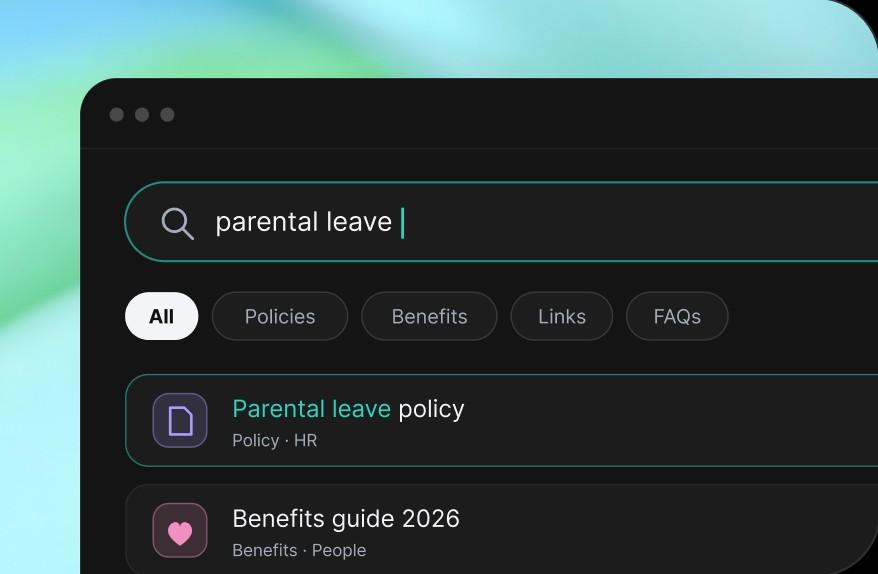
Policies, benefits, links and answers in one searchable place, which you keep current by asking for the change.
People metrics dashboards
Onboarding progress, headcount and the mix of roles on one dashboard, without a manual report.
Org charts
A searchable org chart that stays current as teams change.
Reporting lines and ownership in one view, where an old slide used to be.

Make people ops repeatable
The same steps, the same fields and a named owner each time, with progress in one place and not in a document and a string of follow-ups.
- Standard stepsOnboarding and HR requests run on the steps, fields and owners you set, so they do not change from team to team.
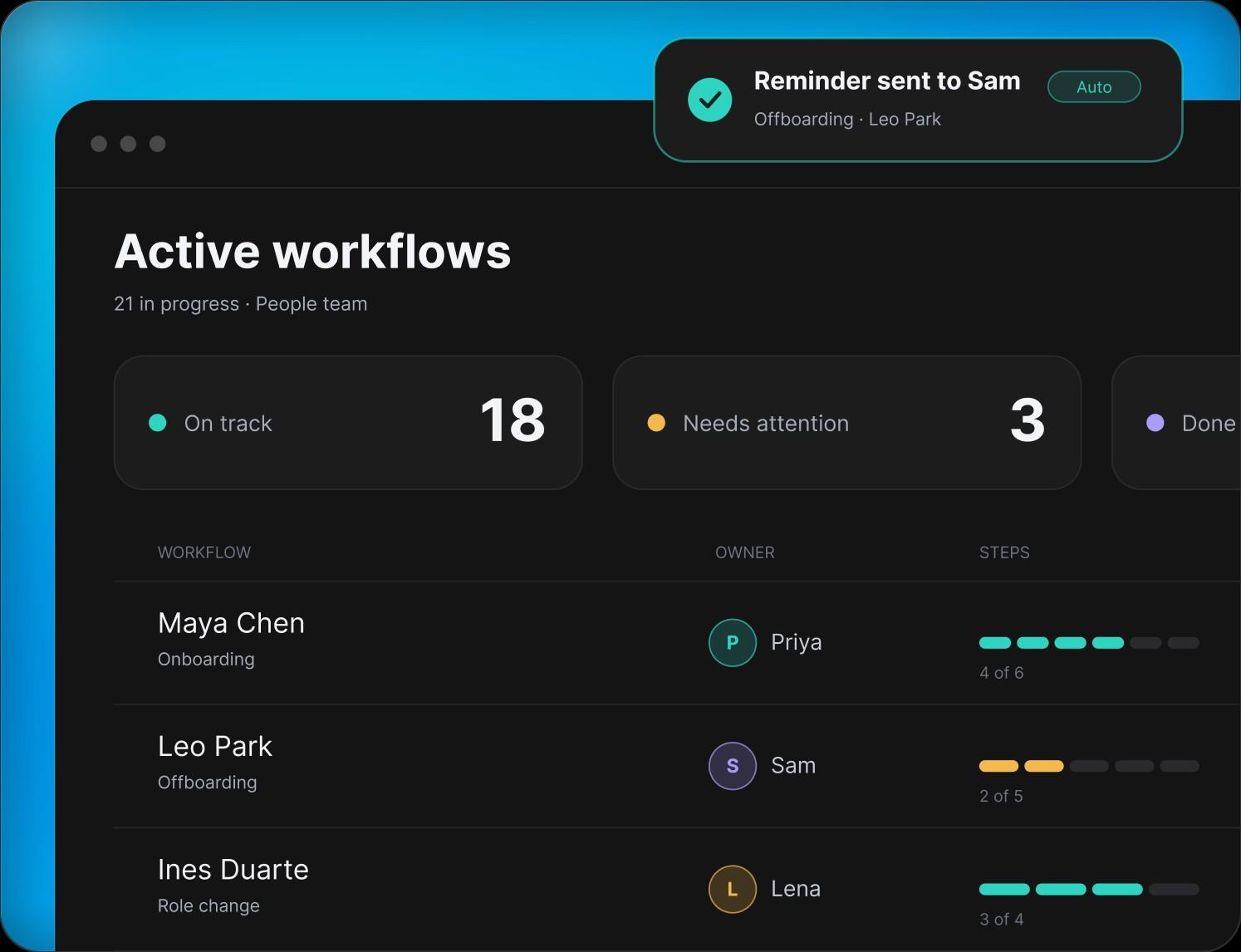
- VisibilityOnboarding, requests and approvals in one place, so you see what is blocked and what needs you.
- Follow-throughWhen a step is done, its next owner hears about it in Slack or by email, so work moves without anyone chasing it.
Questions people teams ask
Onboarding workflows, employee hubs, request and approval forms, people dashboards and org charts. Each one is a web app with its own database and sign-in.
No. The person who runs the process describes it in plain words and Firevibe writes the tool. Changes are asked for the same way.
Every web app comes with its own sign-in, so only people with an account get in. Ask for the roles you need, for example employees, managers and HR, and Firevibe builds them in.
Each tool has its own database, separate from every other project's.
Yes, through connectors such as Slack, Resend and Twilio: a message in a channel, an email or a text. Each one uses your own account's key.
Every build has a live preview with a link you can share. On a paid plan you publish it to a firevibe.dev address, and on Pro to a domain you own.
Yes. Paid plans open the full source code: real React and TypeScript.
Yes. Sign up without a credit card and build with your free credits. Publishing and code access are part of the paid plans, which also allow more collaborators.

Build your onboarding workflow
Describe the process. Give every new hire the same first week.
Start for free